
4.7



Information
Version
9.3
Downloads
10.000.000+
Last Update
Feb 1, 2024
Requirements
7.0+
Screenshots
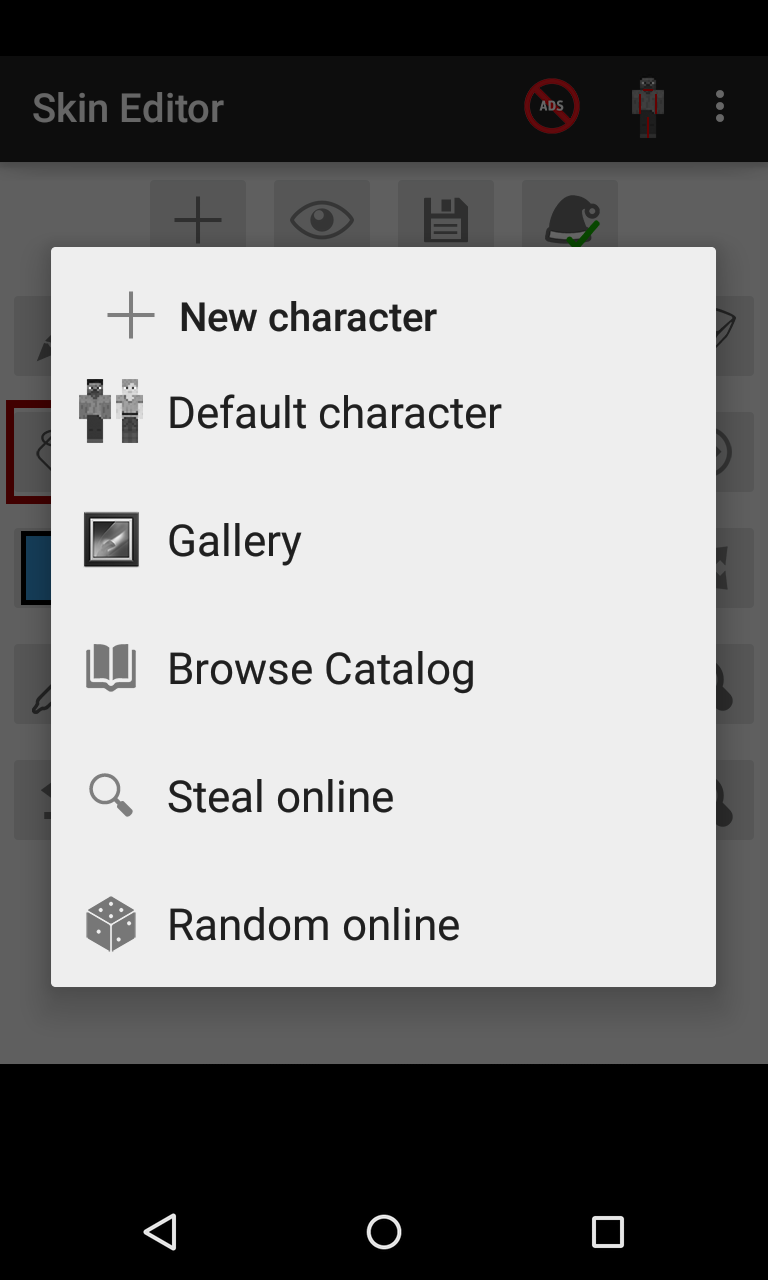
About
Skin Editor for Minecraft
Are you ready to stand out in the Minecraft universe with a look that’s truly your own? Whether you’re building fortresses, exploring caves, or teaming up with friends, your character’s skin is your visual identity. Skin Editor for Minecraft is the perfect tool for customizing that identity, letting you create detailed and original skins like never before.
Let’s dive into what makes Skin Editor for Minecraft a must-have companion for any player who loves expressing creativity.
Why Personalization Matters in Minecraft
Minecraft isn’t just about blocks and mobs — it’s about imagination. And what better way to express that imagination than with your character’s skin? From wizards and knights to astronauts and everyday heroes, the possibilities are endless. A custom skin helps you:
- Stand out on multiplayer servers
- Represent your personality or mood
- Match the theme of your builds or game style
- Tell a visual story about your Minecraft journey
And thanks to Skin Editor for Minecraft, creating that perfect look is now easier and more fun than ever.
Key Features of Skin Editor for Minecraft
Intuitive Interface
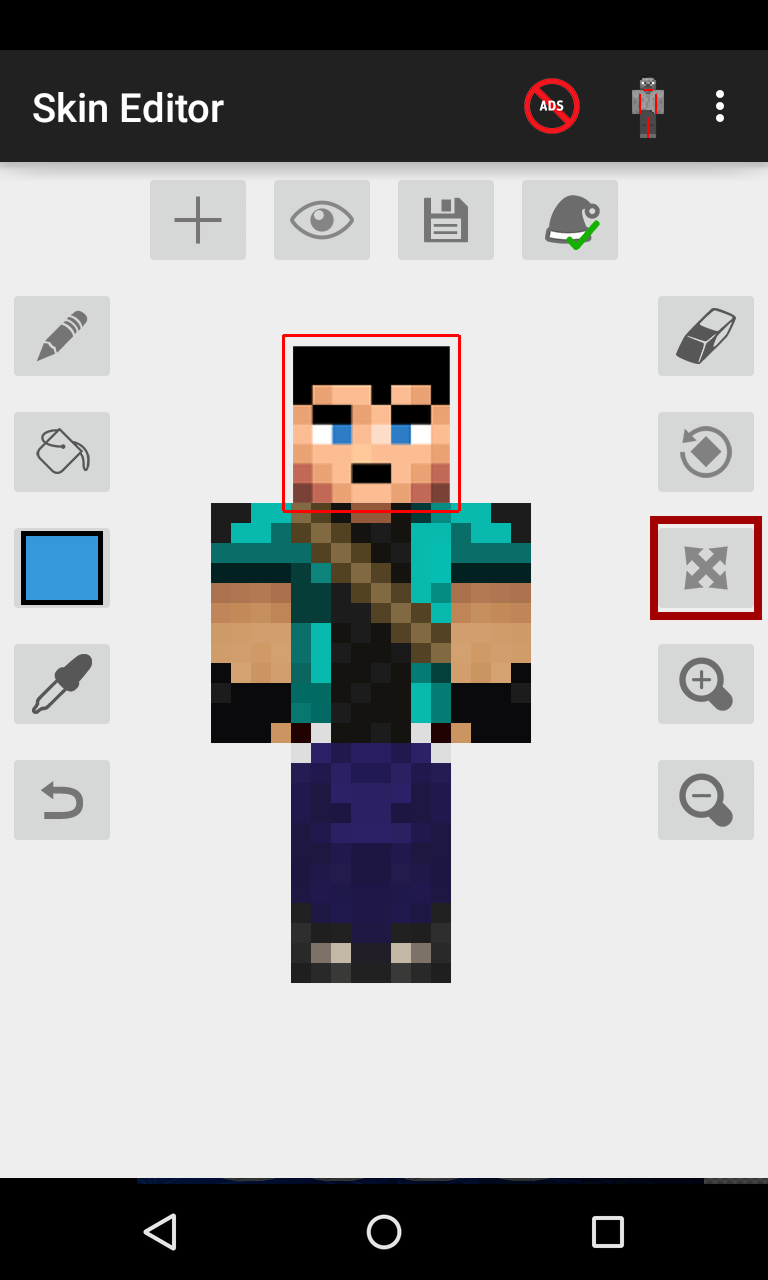
Creating a skin from scratch might sound complicated, but the app makes it simple with its intuitive and user-friendly interface. You can easily zoom in for pixel-perfect edits or rotate your model to see every angle in real time. Whether you’re a beginner or a seasoned designer, you’ll find the tools responsive and satisfying to use.
Full 3D Skin Preview
One of the standout features is the 3D preview mode, which allows you to view your skin as it would appear in-game. Rotate, pan, and zoom to make sure every side — front, back, and even underneath — looks just the way you want.
Easy Editing Tools
From pencil and bucket fill to mirror tools and transparency toggles, Skin Editor for Minecraft offers all the essentials you need. No need for external image editors or complicated software. Everything’s built in — fast, smooth, and optimized for touch devices.
Smart Mirror Feature
Save time with the smart mirror tool, which lets you reflect edits from one side of the body to the other. It’s perfect for symmetrical designs or making quick adjustments without repeating your work.
Skin Inspiration Ideas
Need some creative sparks? Here are a few cool themes to try with Skin Editor for Minecraft:
Galactic Adventurer
Design a skin with glowing space armor and cosmic patterns. Add a neon visor and star-speckled boots for that interstellar explorer look.
Medieval Warrior
Give your character chainmail armor, a rugged cloak, and battle-worn boots. Add detail with earthy tones and scratch effects to make them look seasoned in combat.
Fantasy Creature
Mix in elements like wings, horns, or magical robes. Use soft gradients and bright colors to create something totally otherworldly.
Everyday Hero
Design your Minecraft self as a modern hero — from firefighter to scientist to fashionista. Everyday clothes can look amazing with the right color shading and pixel detailing.
Tips for Designing the Perfect Minecraft Skin
-
Keep It Simple
Start with a basic design. You can always add layers of detail as you go.
-
Use Color Strategically
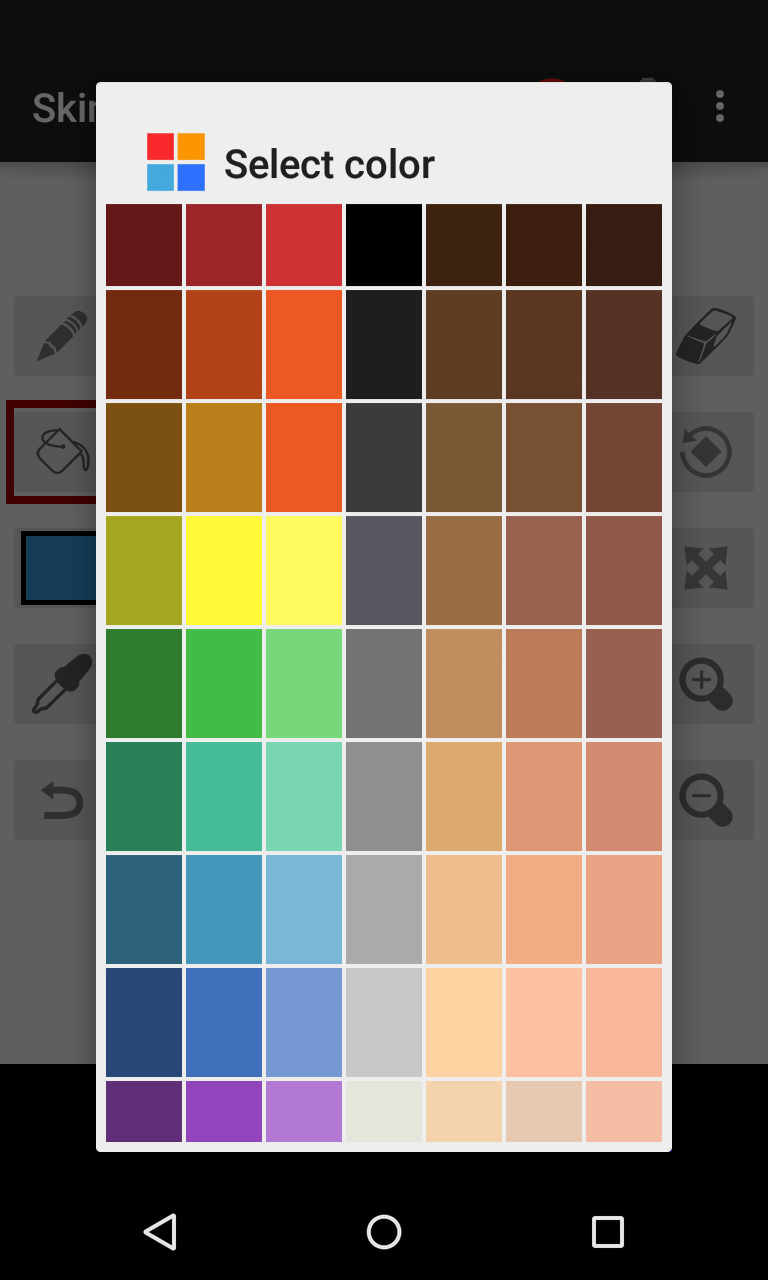
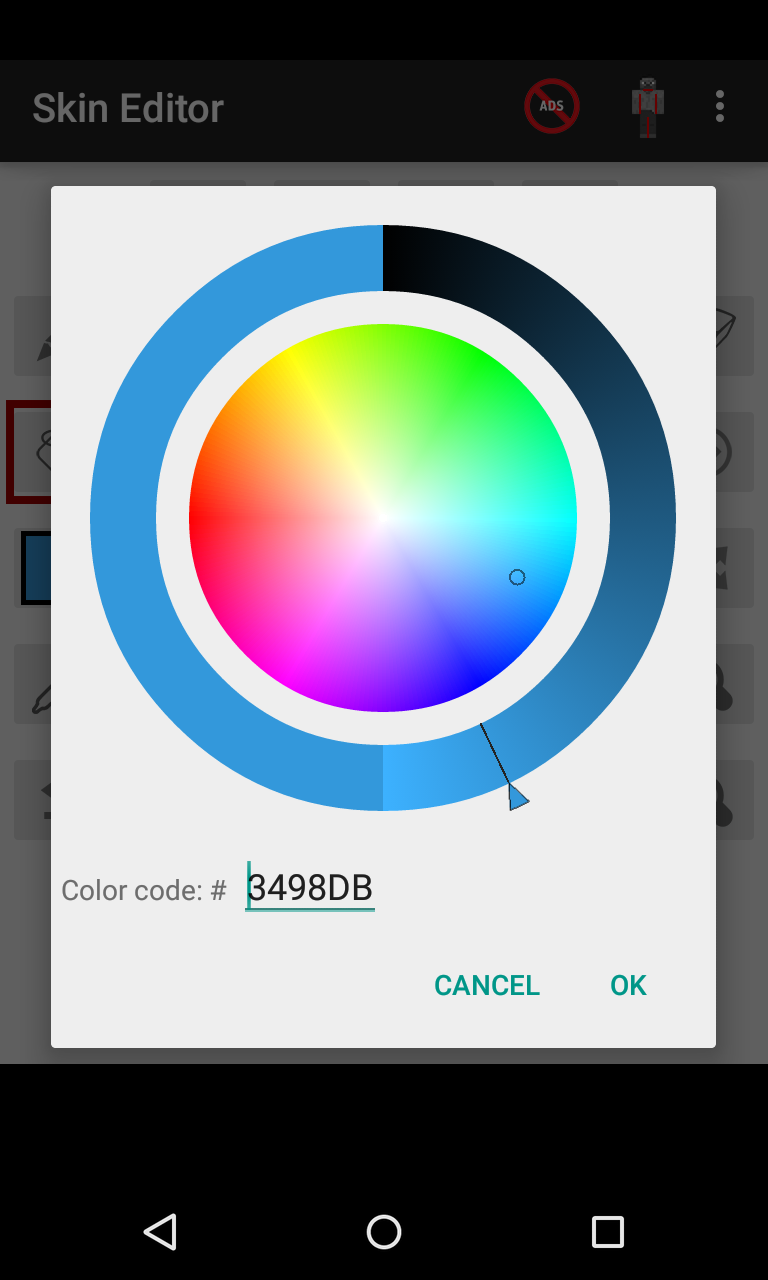
Too many colors can clutter your design. Stick to a focused palette with variations of a few base colors for a clean look.
-
Think in 3D
Your character moves in all directions — make sure the back, sides, and arms look consistent and intentional.
-
Use the Grid
The pixel grid is your best friend. Align eyes, armor plates, and details to make the skin look polished.
-
Experiment!
Play around with ideas. Try something fun, even if it’s wild — that’s the spirit of Minecraft!
Who Is Skin Editor for Minecraft For?
- Creative players who love design and personalization
- Role-players who want their avatars to match their stories
- Builders and streamers looking for a signature visual identity
- Anyone bored with default skins and ready to upgrade their in-game presence
Whether you’re just beginning your Minecraft journey or have explored every biome, Skin Editor for Minecraft helps you stand out with style and originality.
Final Thoughts: A Must-Have for Every Minecraft Fan
Minecraft is a game of endless creativity — and your skin should be no exception. With Skin Editor for Minecraft, you can transform your in-game avatar into anything you can imagine. It’s simple, fun, and deeply rewarding.
Why settle for someone else’s design when you can make one that’s all your own?
Whether you’re crafting your next masterpiece or adventuring through vast new worlds, do it in a skin that reflects the real you.
Ratings & Reviews
4.7

640556505 Ratings
5
4
3
2
1
Comments

0 COMMENTS
×
![icon]()
APKFORYOU.COM
APKFORYOU.COM
APKFORYOU.COM
APKFORYOU.COM
APKFORYOU.COM
APKFORYOU.COM
APKFORYOU.COM
APKFORYOU.COM
APKFORYOU.COM
APKFORYOU.COM


Mogul cloud game
Free
Popular Cloud Game- Mogul Ltd.

Abofahdsh
Free
Abofahdsh DEV
Appvn APK
Free
Appvn
Astute Beta Server
Free
Astute Beta Server INC
8 Ball Pool
Free
Miniclip.com
50000 Diamonds Hack
Free
APK EDITORIAL
Actions and Stuff
Free
Actions and Stuff INC
All Video Downloader APK
Free
InShot Inc.
9Apps APK
Free
9Apps
Android 10 Launcher APK
Free
Paphonb
Atube Catcher APK
Free
Adam cottis
AVG Cleaner MOD APK (Pro Unlocked)
Free
AVG